



SMART Wi-Fi MADE SIMPLE FOR YOUR BUSINESS
Shop By Categories


On Sale
-
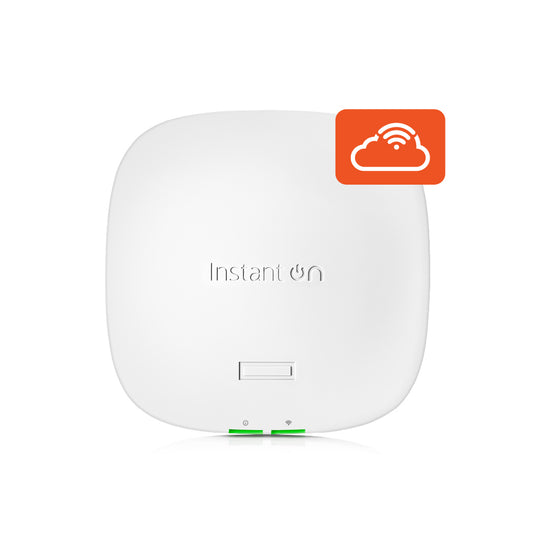
HPE Networking Instant On AP21 (RW) Dual Radio 2x2 Wi‑Fi 6 Access Point (S1T09A)
Regular price R 1,850.00 ZARRegular priceUnit price perR 2,176.00 ZARSale price R 1,850.00 ZARSale -

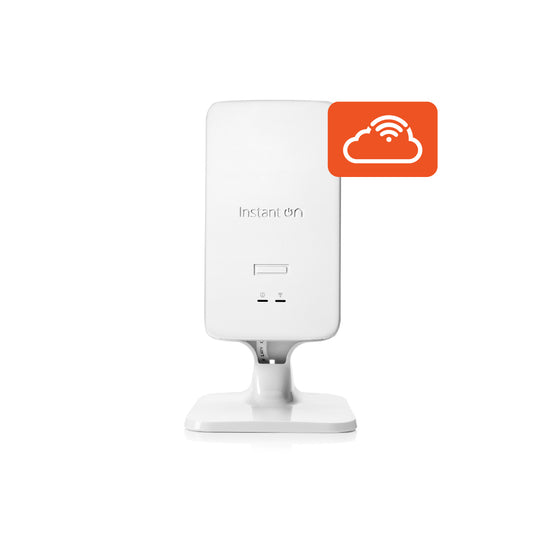
HPE Networking Instant On AP22D (RW) Dual Radio 2x2 Wi‑Fi 6 (Desk Mounted) Access Point (S1U76A)
Regular price R 3,725.00 ZARRegular priceUnit price perR 4,382.00 ZARSale price R 3,725.00 ZARSale -

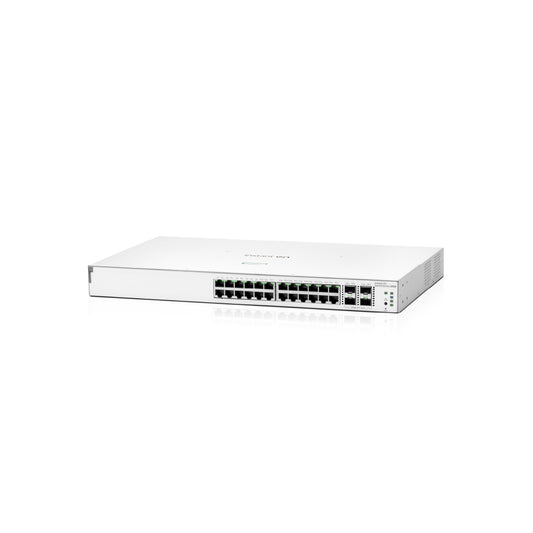
HPE Networking Instant On Switch Series 1930 24p Gigabit CL4 PoE 4p SFP+ 195W Switch (JL683B)
Regular price R 8,129.00 ZARRegular priceUnit price perR 9,032.00 ZARSale price R 8,129.00 ZARSold out -
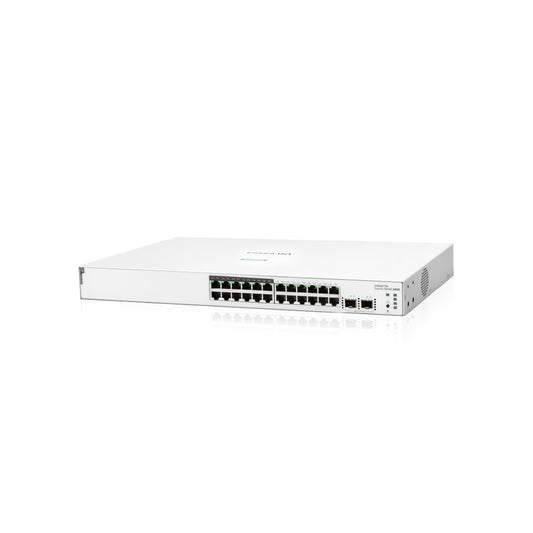
HPE Networking Instant On 1830 24G 12p Class4 PoE 2SFP 195W Switch (JL813A)
Regular price R 6,049.00 ZARRegular priceUnit price perR 6,721.00 ZARSale price R 6,049.00 ZARSale




UPDATES ON LATEST TECHNOLOGIES
Our latest news is packed with exciting updates and fresh insights.


A BETTER WAY TO Wi-Fi
Check "reliable, secure, fast Wi-Fi" off your to-do list. Set up your network of access points, switches and gateways in minutes with our mobile app and enjoy fast speeds inside and outside.
Manage your business network from anywhere, easily. Relax knowing your business, employees, and customers are protected by the latest security automatically—at no extra cost to you.
-

1. EASY SET UP AND MANAGEMENT
The Instant On mobile app makes managing your business network incredibly simple. Set up takes a few clicks – no tech experience needed. Monitor and manage your business network anywhere from your phone and keep tabs on who is connecting to which sites and apps.
-

2. BLAZING FAST AND WICKED SMART
Automated data management keeps your information flowing on the fastest path. Continuous software updates ensure peak performance, security and if an error is detected, your network heals itself.
-

3. SECURITY AT NO EXTRA COST
Security is must-have and it’s included at no extra costwith Instant On. Easily separate business and employee traffic from customertraffic. Set hours for Wi-Fi availability and block specific sites or app
categories to ward off malicious activity.


What is the Instant On community? Why do I need to create a username for my account?
The Instant On community allows members to search for information, read and post about topics of interest, and learn and help each other. In the community, you will find:
- Boards where you can post questions and answers
- Blogs where you can read and comment on articles
- Idea exchanges where you can suggest ways to improve products
- Vote for ideas that other community members have posted, and much more
Your user name appears whenever you post or send private messages on the Instant On community forums. Most people create anonymous names for the sake of privacy and to help them feel more comfortable participating. So be creative and have fun with it!
Can I set up an Instant On access point from a desktop browser instead of my smartphone?
Yes. Open your favorite browser and use this custom URL to connect. Don’t forget to bookmark it for easy retrieval later.
Do I need to register the equipment in order to receive the warranty?
No. After you set up your account and onboard your device for the first time, your Instant On device(s) will be automatically registered. However, should you need any additional information, you can find it in our Instant On Warranty and Support Services FAQs.
How do I install (mount) my Instant On access points?
Where you place access points plays a crucial role in radio frequency coverage. Here are placement recommendations for Instant On access points as well as instructions on how to easily mount it around your home office or small business.
I am an IT installer. Can I give my customers separate credentials to use the mobile app to view only their site?
Yes. Instant On currently supports up to three administrative accounts for the same site, offering an option to lock accounts to prevent them from accidental deletion. Go to the site management settings and use the options provided to add another account or replace an existing one.
Do I need to have an existing internet connection to use Instant On?
Yes. An internet connection is required to register and onboard your Instant On device using a mobile app or the web portal. Once you have a connection, setting up is a snap.


